
Account and keys
Use your account on two devices
Link a phone or a second browser with a link and a one-time code. Both devices then work at once and catch up with each other from the chain.
This page is in English.
On this page
The diagram in words
Device A shows a link and a code. Device B opens the link, types the code and a password of its own. Both now hold the same phrase. Each one reads the pool and the chain to see what the other did: when it unlocks, when you refresh, and before it spends.
Shared through the chain: the private balance, the wallets and the positions. Kept on each device: the password, the RPC, the privacy profile and automatic return setting, the access notice, and work still waiting for the chain.
On the first device
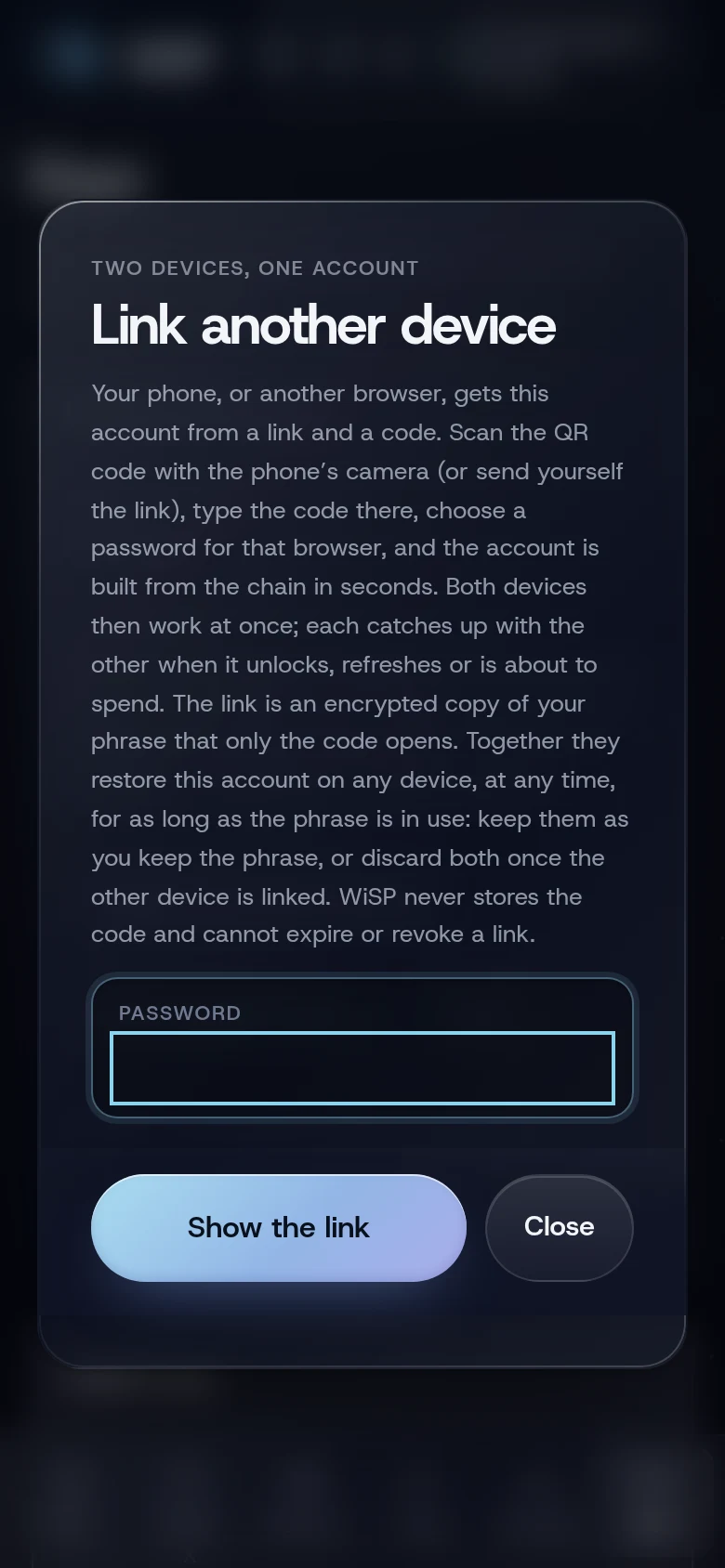
- Open Keys (under More) and tap Link another device.
- Type your account password and tap Show the link.
- A QR code appears, with a Link code beside it in the form
XXXX-XXXX-XXXX, and the link below.
On the second device
- Scan the QR code with the phone's camera, or open the link you sent yourself. WiSP opens with Link from another device filled in.
- Type the Link code from the first device.
- Choose a password for this browser and type it twice.
- Tap Link this device.
The account is built from the chain and the pool, usually in seconds.
What you will see
Both devices show the same private balance, wallets and positions. When one device funds, buys or sells, the other catches up when it unlocks, when you refresh (at most every two minutes), and before it spends. If a plan is refused because the other device spent first, the app catches up and says Your other device changed this account; this one has caught up. Try again.
Home may show Your other device changed this account. Catch up before funding anything. with a Catch up button. Tap it.
Check for use on another device
On Keys, under Account details and repair, Check for use on another device looks for wallets this phrase funded elsewhere and for notes another device already spent. It reads up to 21 wallets from your next unused one, through your RPC, and sends up to 200 of this device's encrypted notes to the pool provider to look up their positions. Nothing is signed.
Possible answers include Your next wallet is unused. and No conflicting evidence among the 4 notes this device knows. If it says another device spent notes this one still counted, or that more than 20 wallets in a row are in use, tap Rebuild from phrase on the same screen.
If something goes wrong
- "Wrong link code for this link, or a damaged link". Check the code; letters and digits only, dashes optional.
- "The link code is 12 letters and digits, as shown on your other device".
- "A device link arrived, but this browser already holds an account." Open the link in another browser, or remove this browser's account first.
- "Your private balance is out of date: this account was used elsewhere. Rebuild from your phrase first". Tap Catch up on Home, or Rebuild from phrase on Keys.
More on When something goes wrong.
Related
Last checked against the app: 24 October 2026, build bf09a3f