
Positions and history
Return SOL to the pool
After a full sale, a wallet's SOL goes back into your private balance, by itself or with your approval. You can also return an unused wallet, or the SOL from a wallet holding tokens you cannot sell.
This page is in English.
On this page
The diagram in words
A wallet is funded from the pool and shows READY or FUNDED. It buys and shows HOLDING. After a full sale it shows PENDING while its SOL waits to return. Once the SOL is back in the pool it shows RETIRED.
Automatic return
Automatic return is on by default. It is set on Privacy, under Your privacy profile:
| Profile | The switch reads | When the SOL goes back |
|---|---|---|
| Private · Instant | "Return a sold wallet's SOL to the pool right after the sale" | Right after the sale, in the same approval |
| Steady, Max, Custom | "Return a sold wallet's SOL to the pool after a random wait" | After a random wait: at least 30 minutes, usually a few hours, at most 24 hours |
The return is part of what you approve when you sell everything: the sale's sheet says so in its Then row. It runs only while WiSP is open in your browser. If the app is closed when a return falls due, it runs the next time you open it.
Before it sends, the app checks that nothing has happened in the wallet since the sale. If something has, such as a new transfer in, it asks you to review the return instead.
Return by hand
With automatic return off, or when the app asks you to review:
- Open Positions or Sweeps, and expand the PENDING wallet.
- Tap Return to pool.
- Check the sheet and tap Approve and send.
The toast reads Swept to the pool. To switch automatic return off, untick it on Privacy; the toast reads Each return will ask for your approval.
On slower profiles, a wallet you return by hand may show Return to pool · after 14:30: it can return once that time has passed.
Return an unused wallet
A READY wallet (funded, no token chosen) or FUNDED wallet (set aside for a token, not bought) that never bought can go back at once. Expand it on Positions and tap Return to the pool. The pool fee you paid to fund it is not refunded.
Leave the tokens behind
A wallet can end up holding tokens WiSP cannot sell: spam sent by strangers, or a token whose market is gone. Its SOL can still come back:
- On Positions, expand the wallet.
- Tap Return the SOL, leave the tokens.
- Approve the sheet.
The SOL returns to your private balance and the wallet is retired. The tokens stay in the wallet. You can reach them later with the wallet's exported key, though it will have no SOL left for fees.
The Sweeps screen
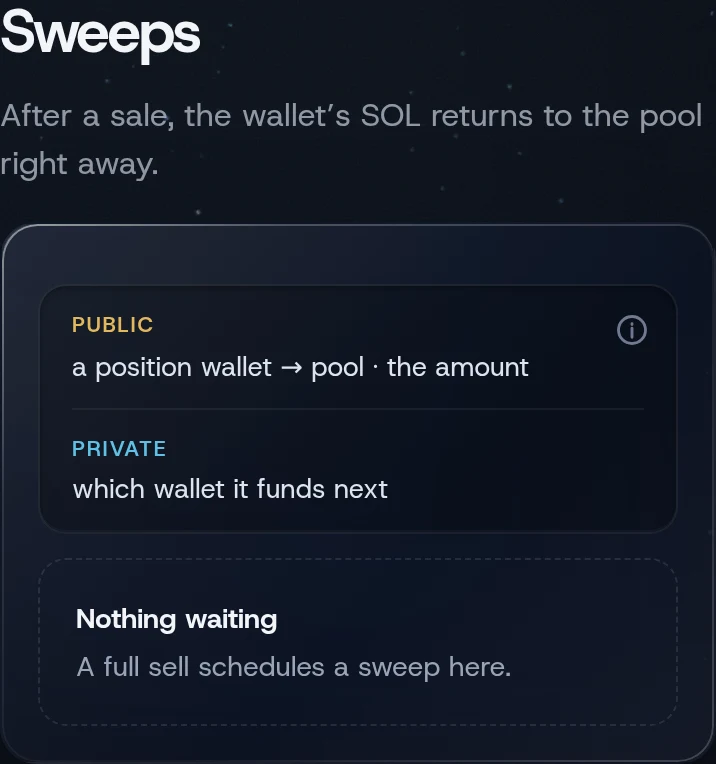
Sweeps (under More) lists every wallet whose SOL can return: sold wallets waiting, and funded wallets that have not bought. Its first line states your profile's rule, for example "After a sale, the wallet's SOL returns to the pool right away."
If something goes wrong
- "This wallet changed since the sale; review its return instead". Tap Return to pool and approve.
- "Wallet still holds tokens; sell or recover them before sweeping". Sell them, or use Return the SOL, leave the tokens.
- "Sweep is not due yet". Wait for the time on the button.
Related
Last checked against the app: 24 October 2026, build bf09a3f