
Money in and out
Use an invite code when you shield
A friend's code halves your platform fee for 30 days. Apply it before your first shield.
This page is in English.
On this page
With an invite link
- Open the link. The app keeps the code in this browser for up to 7 days.
- Create your account, or unlock it. A message reads "You were invited with code name. Apply it on the Shield screen before your first shield."
- Open Shield. Above the button, the row reads "You were invited with code name. Apply it before you shield to pay half the platform fee for 30 days."
- Tap Apply with the code's name.
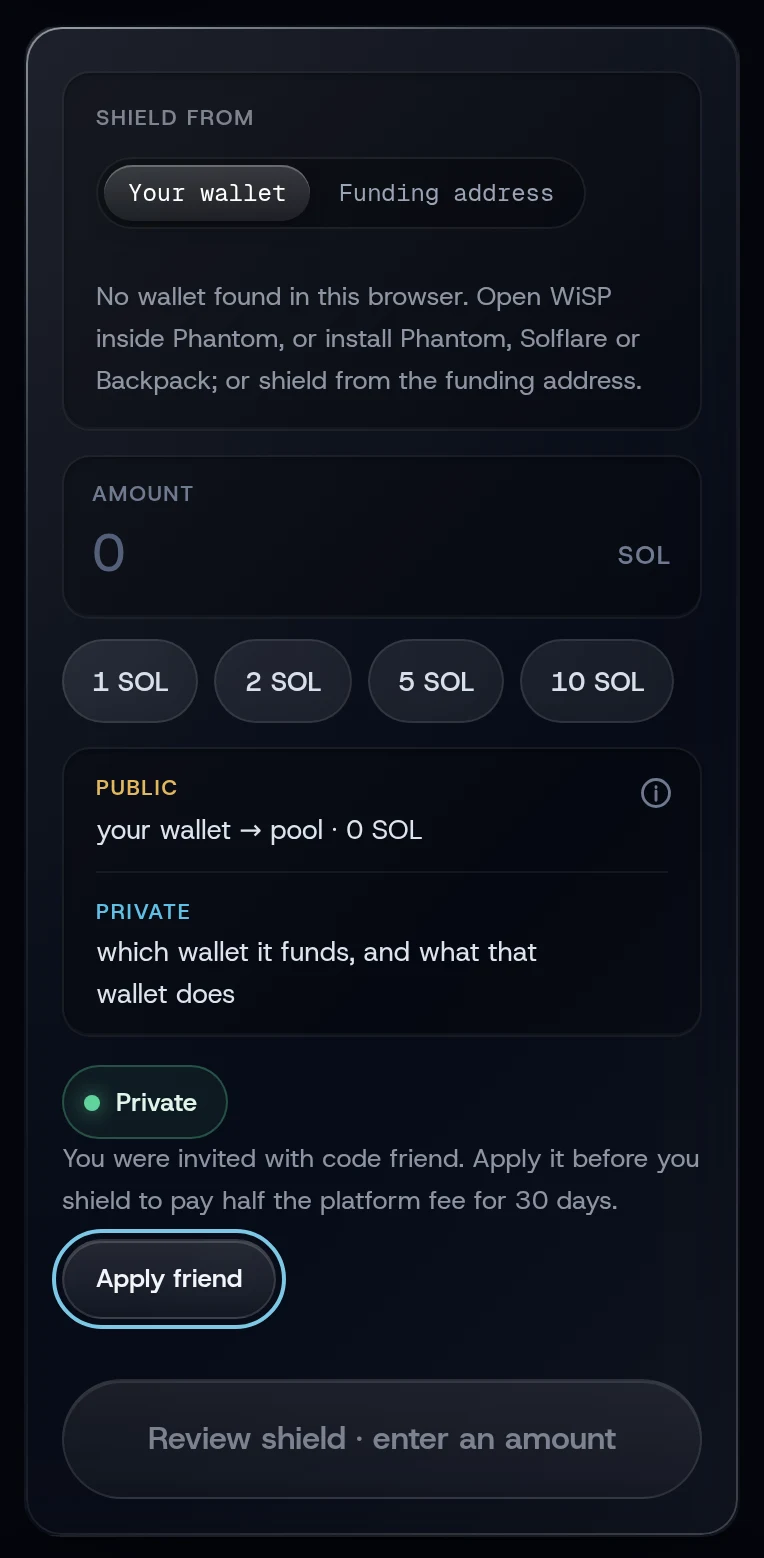
The toast reads Invite code name applied: half the platform fee for 30 days.
With a code someone told you
- Open Shield and tap Have an invite code?, or open Invite (under More).
- Under Have a code?, type it in Invite code. The line under it says whether the code exists.
- Tap Apply.
What you will see
Every trade's review shows the platform fee as 0.25%, invite rate until 30 days after you tapped Apply. The Invite screen shows the date it ends.
After your first shield the app confirms the invite with the invite service. If you shielded from your own wallet, the wallet asks you to sign a short message (no transaction, no fee). If you decline, Invite shows Confirm my invite so you can do it later.
If something goes wrong
- "That invite code was not found." Check the spelling: 3 to 16 lowercase letters or digits.
- "A referral code applies only before your first shield". This account has shielded already.
- "That is your own invite code".
- "The invite service did not answer. Try again in a minute."
Related
Last checked against the app: 24 October 2026, build bf09a3f